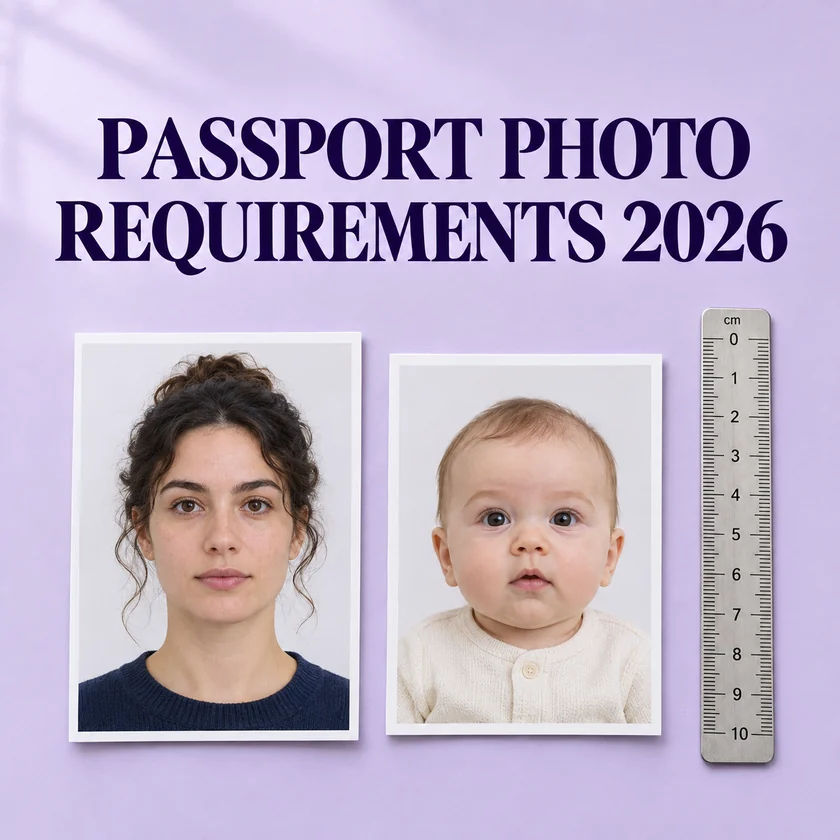
Which U.S. passport photo requirements apply to you?
Choose your application route before you crop, compress or print. Paper passport applications use a physical photo. Online renewal uses a digital file and asks for extra space around the head and shoulders so its own upload tool can frame the image. A visa or Diversity Visa (DV) submission uses a separate digital checklist. The same camera original can be a starting point for several workflows.
| Application | What to prepare | Key measure | Official source |
|---|---|---|---|
| Paper U.S. passport | One color print on matte or glossy photo paper. | 2×2 in. Head measures 1–1⅜ in from chin to top of hair. | U.S. passport photos |
| Online U.S. passport renewal | Original, uncropped digital camera file with space around the subject. | 54 KB–10 MB. Follow the portal’s file-format guidance. | Uploading a digital photo |
| Infant passport | Single baby in a clear, front-facing photo on a plain white or off-white background. | Same 2×2 in paper size. An infant’s eyes may be partly closed. | Children and infants |
| U.S. visa or DV digital photo | Square, 24-bit sRGB JPEG for the applicable digital submission. | 600–1200 pixels per side, at most 240 KB, head about 50%–69% of frame height. | Digital image requirements |
Application instructions can change. Check the official page linked for your route and follow any instructions issued for your specific application or consular post. File measurements help you spot technical errors, and a human review is still needed for identity, expression, attire, lighting and background.
Paper passport photo size and 300 PPI
A paper passport photo must measure two inches on each side. For a 300 PPI print workflow, export a square of 600×600 pixels. Each inch maps to 300 pixels, so the acceptable head height corresponds to about 300 to 412 pixels in that square. Measure from the bottom of the chin to the top of the hair. A face-detection box often ends below the top of the hair, so check the endpoints manually.
For example, if the hair starts 90 pixels from the top and the chin ends 450 pixels from the top, the head occupies 360 pixels. At 300 PPI that is 1.2 inches. Leave enough room above the hair and below the chin to keep the entire head and some shoulder area visible. Keep the camera level as you frame the photo.
Capture a usable original at home
- Stand in front of a plain white or off-white wall. Give yourself enough distance from the wall to soften the shadow behind you.
- Face a broad, diffused light source, such as a window out of direct sun. Look for smooth light on both cheeks and behind the head.
- Have someone take the picture at your eye level. Remove glasses unless the State Department’s medical exception applies and you have the required documentation.
- Keep both eyes open, look directly at the camera, and use a neutral expression or natural smile. Use a recent photo that reflects your current appearance, taken within the last six months.
- Open the Paper Passport tool for an on-device precheck. Use the top-of-hair and chin markers to verify the crop. Review the original at full size for grain, blur, glare and uneven lighting.
The Department of State asks for an original photo without filters or digital alterations. If portrait mode softened the edges of your hair or the phone changed your skin texture, take a fresh capture using the normal camera mode. A plain physical background makes the photo easier to evaluate.
Online passport renewal photo size and the uncropped rule
For online renewal, keep the original digital photo as stored by your camera. Verify it is within 54 KB–10 MB, and use the format accepted by the portal. Leave generous space around the face and shoulders. A tight square prepared for paper can prevent the online cropper from placing the head correctly. Keep a camera original ready even if you already printed a valid physical photo.
If you took a photo on a phone and transferred it via a messaging app, compare the copy with the original in your camera roll. Messaging services may shrink files far below the upload minimum. Use the camera original or a full-quality transfer. If the camera writes HEIC and the portal requires a different format, check your camera’s compatibility setting and capture a new original in a supported format.
The Online Renewal Check reports file properties and visual signals on your device. Inspect the untouched file first. The official upload screen can then assess framing and tell you whether you need a new picture.
How to take a baby passport photo
Lay a baby on a clean, plain white sheet or cover a car seat with a smooth white sheet. A camera above the baby helps align both sides of the face evenly. Avoid having an adult hand in the frame, and remove bottles, pacifiers, blankets with prints, headbands and toys. A smooth background is easier to achieve by pulling the sheet flat before you position the infant.
Photograph the baby when they are calm. The State Department makes an allowance for an infant’s eyes to be partly closed. Keep the face visible and capture a few sharp frames so you can choose the best one. If a parent holds the baby, use a setup where the parent and their hands stay outside the frame. Check Baby Passport for tools and examples, then apply the same 2×2-inch print dimensions.
Print a 2×2 passport photo on a 4×6 sheet
A regular 4×6 photo-print order can cost under $0.50 at some retailers. The store sells a regular image print at that price. Its passport counter is a separate service that usually includes taking and preparing a photo. Confirm the size, price and pickup method before ordering.
| Option | Illustrative U.S. cost | What you receive |
|---|---|---|
IDPhotoPrep Standard Original plus one 4×6 store print | $4.99 + about $0.40 | Downloadable 2×2 and 4×6 JPGs, plus the store print you order |
| CVS or Walgreens passport counter | $17.99 or $16.99 | In-store passport photo service |
| USPS passport photo service | $15.00 | Passport photo service where offered |
| Walmart passport photo estimate | $7.64 | Check the location and whether the quote includes capture |
Use the 4×6 print sheet if you already have a square crop. Choose a two- or four-copy layout for cutting space, and select actual-size printing at 100%. Measure a printed square with a ruler before cutting. A lab’s “fit” or borderless enlargement setting can change the final dimensions. Keep a spare copy for a second submission or replacement if the first print gets damaged.
Prices are representative estimates in U.S. dollars and vary by service, location, print size and tax. Compare the live options before ordering. CVS · Walgreens · USPS · 4×6 printing guide
The 240 KB rule for DS-160 and DV Lottery photos
U.S. visa digital image requirements specify JPEG, square dimensions, 24-bit sRGB, and a maximum file size of 240 KB. Begin with a detailed, well-lit image that meets the applicable composition guidance. Check it with the U.S. Visa & DV Checker and use the 240 KB compressor only when your submission permits compression and the file exceeds the cap. The DV program also publishes instructions for each program year, so read the current entry instructions.
For a paper passport, check the physical dimensions and head height after cutting. For an online renewal, use the full original. For a visa, check the file you actually plan to upload and follow the consular instructions if the portal indicates a photo problem. If you received a rejection message, use the passport and visa photo troubleshooting guide to match it to a concrete fix.
Frequently asked questions
Can the same photo be used for online renewal and a paper application?
Keep the original camera file. Use that uncropped file for online renewal and create a separate 2×2 print for a paper application. Check the rules for your submission route before sending either.
What size is a 2×2 photo at 300 PPI?
A 2×2-inch photo at 300 pixels per inch is 600×600 pixels. The 300 PPI setting is a practical home-printing target. The physical print needs to measure 2×2 inches.
Can my baby have partly closed eyes?
The State Department says it is acceptable if an infant’s eyes are not entirely open. Older children need both eyes open. Aim for a clear, front-facing photo with the baby alone in the frame.
Can I use an AI background remover for a U.S. passport?
Use an original photo captured against a plain white or off-white background. The State Department requires a photo without digital alterations, so retake a photo with an unsuitable background.
Does the 240 KB cap apply to passport renewal?
The 240 KB digital image maximum belongs to U.S. visa submissions and the DV program. Online U.S. passport renewal has its own 54 KB–10 MB range.